ImprovedStudio
Your answers, templates and builds are kept
Checkpoint and teach-back answers now save as you type, every course has a Templates shelf, and your builds land in your portfolio.
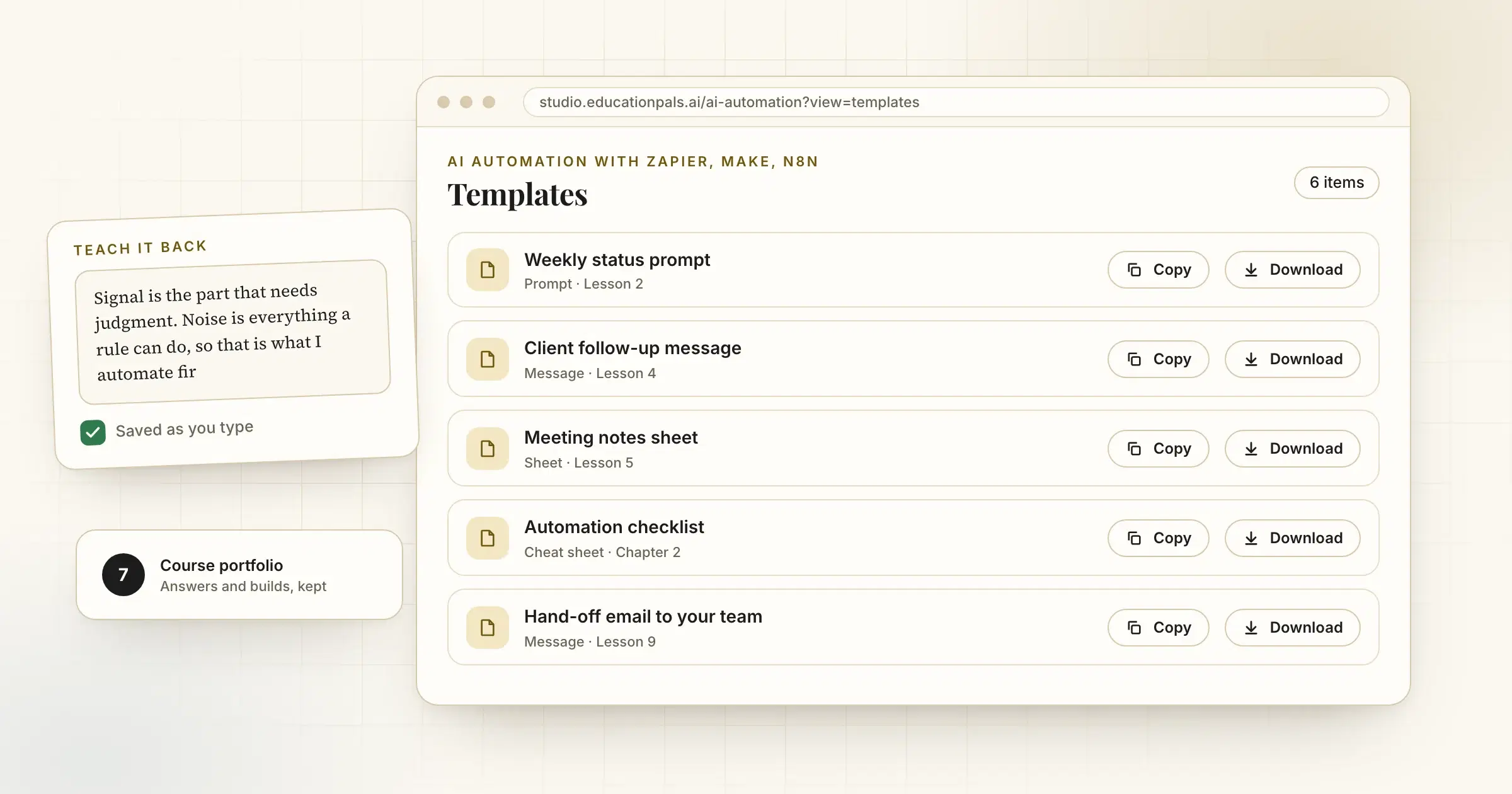
Learning sticks when you keep what you made. Three changes make sure you do.
Answers save as you type. Checkpoint and teach-back answers are saved while you write and come back when you reload, on every plan. Close the tab, come back tomorrow, carry on.
A Templates shelf in every course. Each course now lists its sheets, message templates and files in one place, ready to copy or download. Cheat sheets can be printed or saved as Markdown.
Builds go to your portfolio. What you build in a lesson now appears in the course portfolio next to the rest of your work.
How to try it
- Open any courseStart or continue a course in the studio.
- Find the Templates shelfOpen Templates from the course menu to copy or download what you need.
- Check your portfolioYour answers and builds collect there as you go.