NewCourse pages
See what is in a course before you start
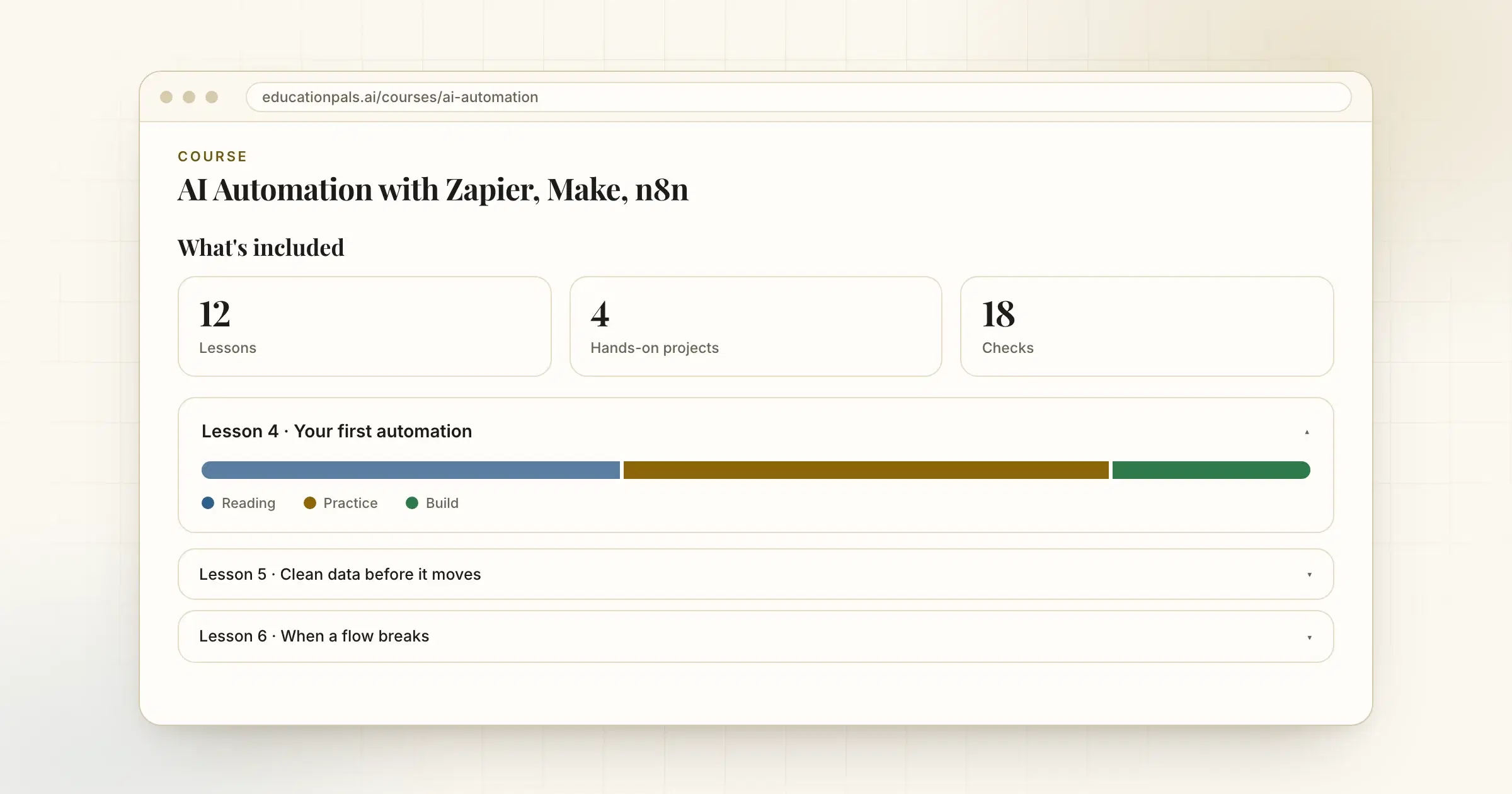
Course pages now show what is included: how many lessons, projects and checks, and the mix inside each lesson.
Before you commit an hour, you should know what you are getting.
Every course page now has a What's included section with the number of lessons, hands-on projects and checks. Open any lesson in the outline to see its mix: how much is reading, how much is practice and what you build.
How to try it
- Open a course pagePick any course from the catalog.
- Scroll to What's includedThen open a lesson row to see inside it.