ImprovedDashboard
Your dashboard starts with your course
The dashboard now opens on the course you are taking, and the lesson screen has one clear way forward.
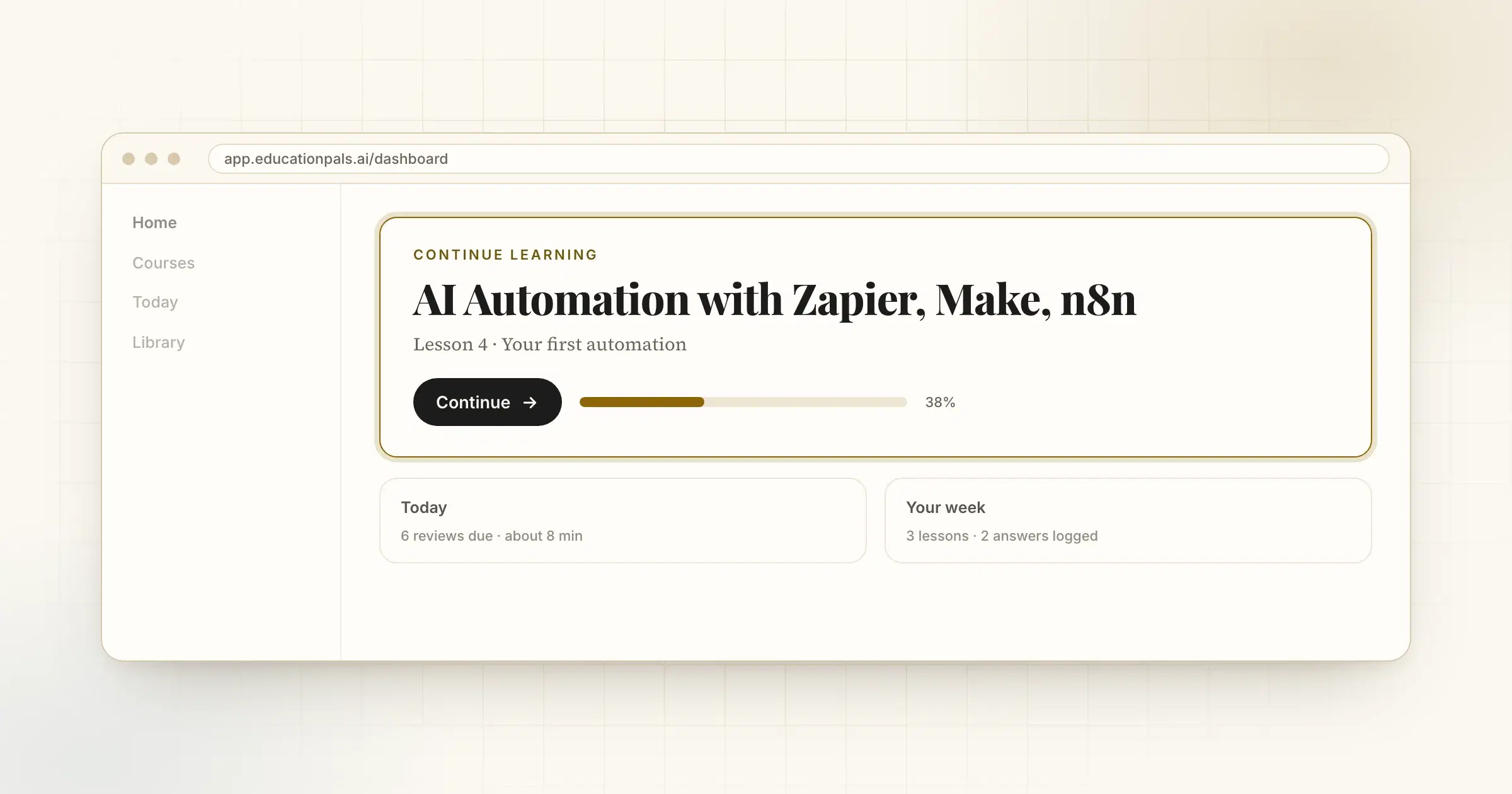
We watched people open the app and look for the thing they came to do. It was there, but not first.
Now the course you are taking is at the top of your dashboard, with one button to carry on. Today's review and your week come after it.
The lesson screen got calmer too. The cover has one forward button, Start lesson. The help button says Contact support, because that is what it does, and the tutor button says Ask Atlas.
How to try it
- Open your dashboardYour course is the first thing on it.
- Press ContinueYou land where you left off.