NuevoSecurity
Passkeys and two-step sign-in
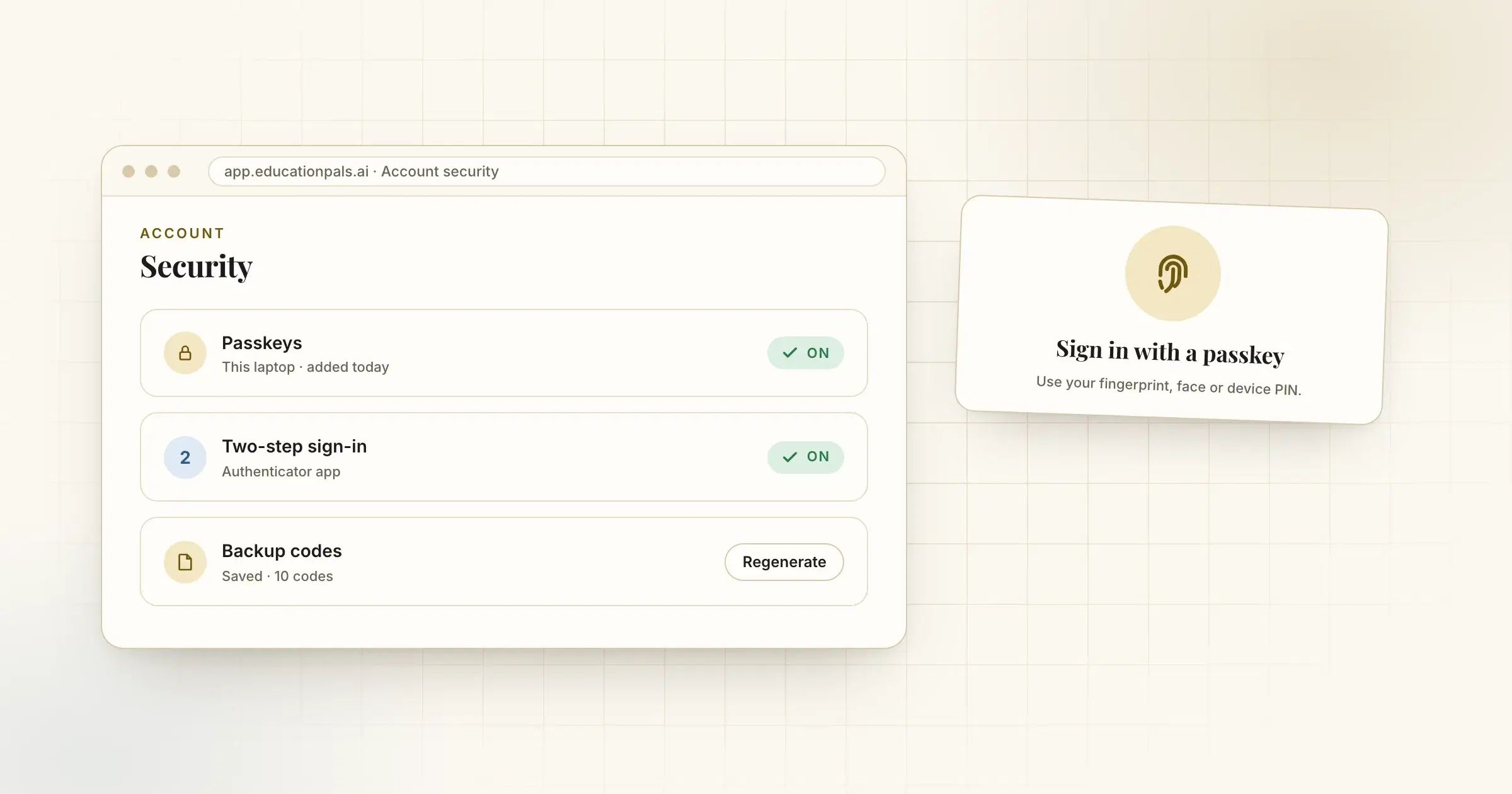
Sign in with a passkey instead of a password, and turn on two-step sign-in with backup codes in case you lose your phone.
Your account holds your work, so it should be easy to keep safe.
Your account settings now let you:
- Add a passkey, so you can sign in with your fingerprint, face or device PIN instead of a password.
- Turn on two-step sign-in with an authenticator app.
- Save backup codes, so a lost phone does not lock you out.
You can also delete your account from the same place.
Cómo probarlo
- Open SettingsChoose Security.
- Add a passkeyFollow your device's prompt.