NuevoBuild-alongs
Build a live AI tool in a lesson, then share it
Chapter 1 of AI Automation now has live build-alongs: answer a few questions, watch a real AI build run, then share it on its own page.
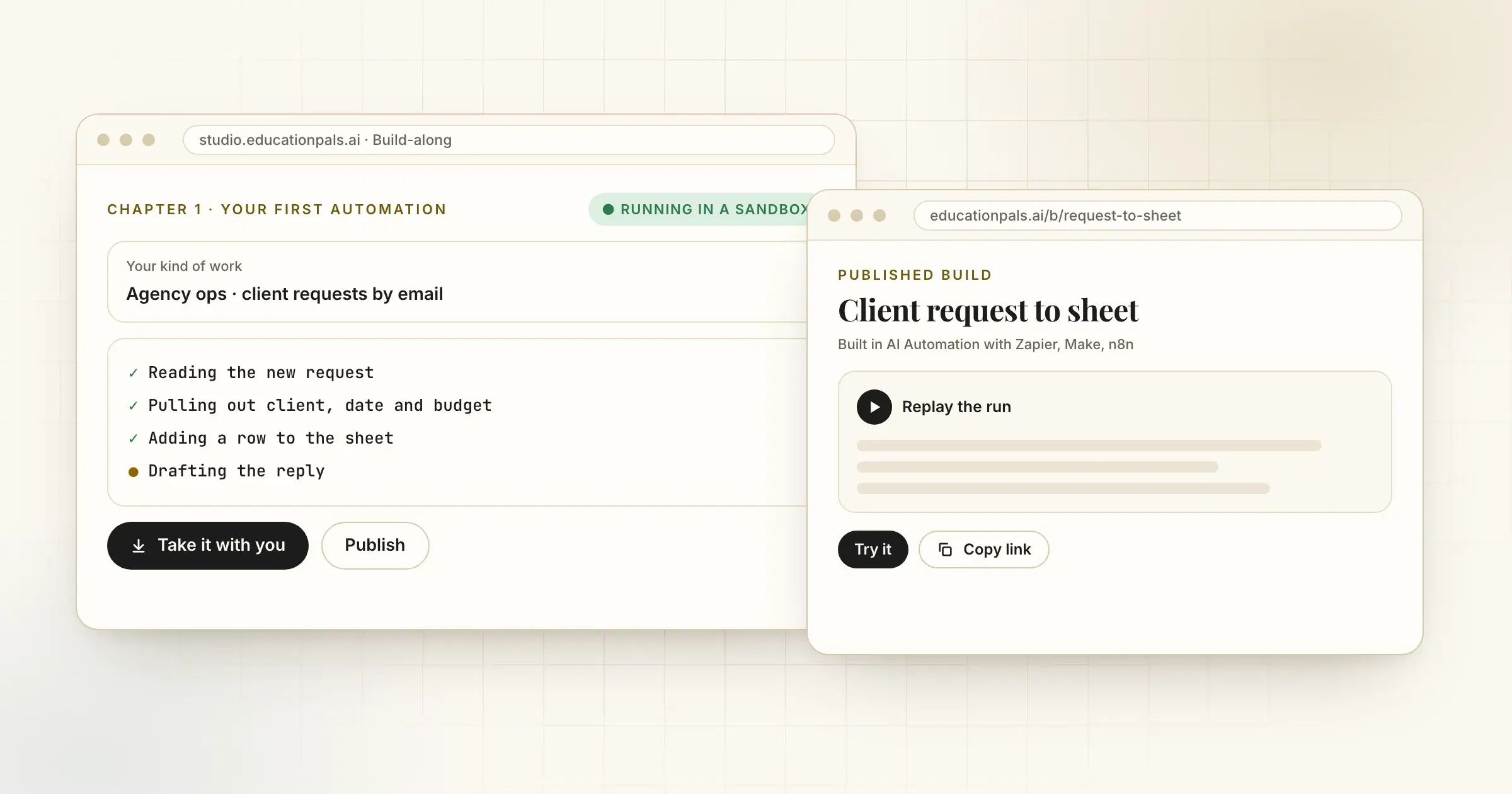
Reading about automation only gets you so far. Build-alongs let you make one.
In chapter 1 of AI Automation with Zapier, Make, n8n, each lesson now has a build-along slide. You answer a few questions about your kind of work, and a real AI build runs on your answers, step by step, in a safe sandbox. Not ready to use your own work? Watch it run on a sample first.
When it is done, take the files with you, or publish it. A published build gets its own page with a replay of the run, so a colleague can see what you made and try it.
Cómo probarlo
- Open AI AutomationGo to chapter 1, lesson 1.
- Run the build-alongAnswer the questions, then press Build it.
- Share itPublish your build and copy the link.