नयाReminders
Study reminders at the time you choose
Pick a time of day that suits you, and we remind you only when reviews are due and you have not studied yet. Quiet hours are respected.
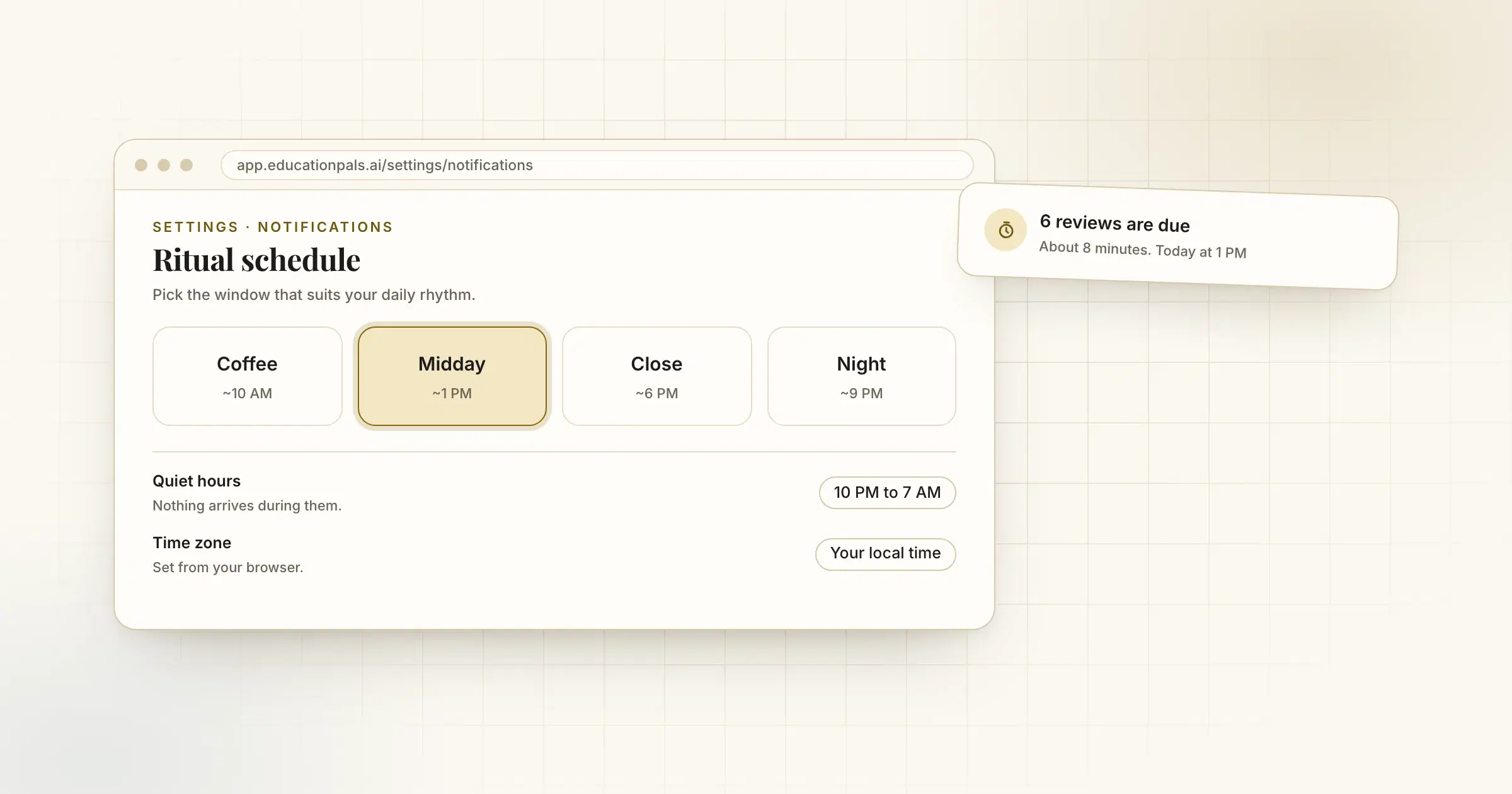
A reminder at the wrong time is just noise. So you choose the time.
Settings, Notifications has four reminder windows: Coffee (about 10 AM), Midday (about 1 PM), Close (about 6 PM) and Night (about 9 PM). Pick one and we remind you then, in your own time zone, in the app and by email.
We only remind you when something is due and you have not studied that day. Set quiet hours and nothing arrives during them. You can switch reminders off in the same place.
इसे कैसे आज़माएँ
- Open SettingsChoose Notifications.
- Pick a timeCoffee, Midday, Close or Night.
- Check your time zoneIt is set from your browser. Change it if it is wrong.