बेहतरLessons
See where you are in a lesson, jump anywhere
A progress bar under each lesson shows how far you are, previews any slide on hover, and jumps there with one tap.
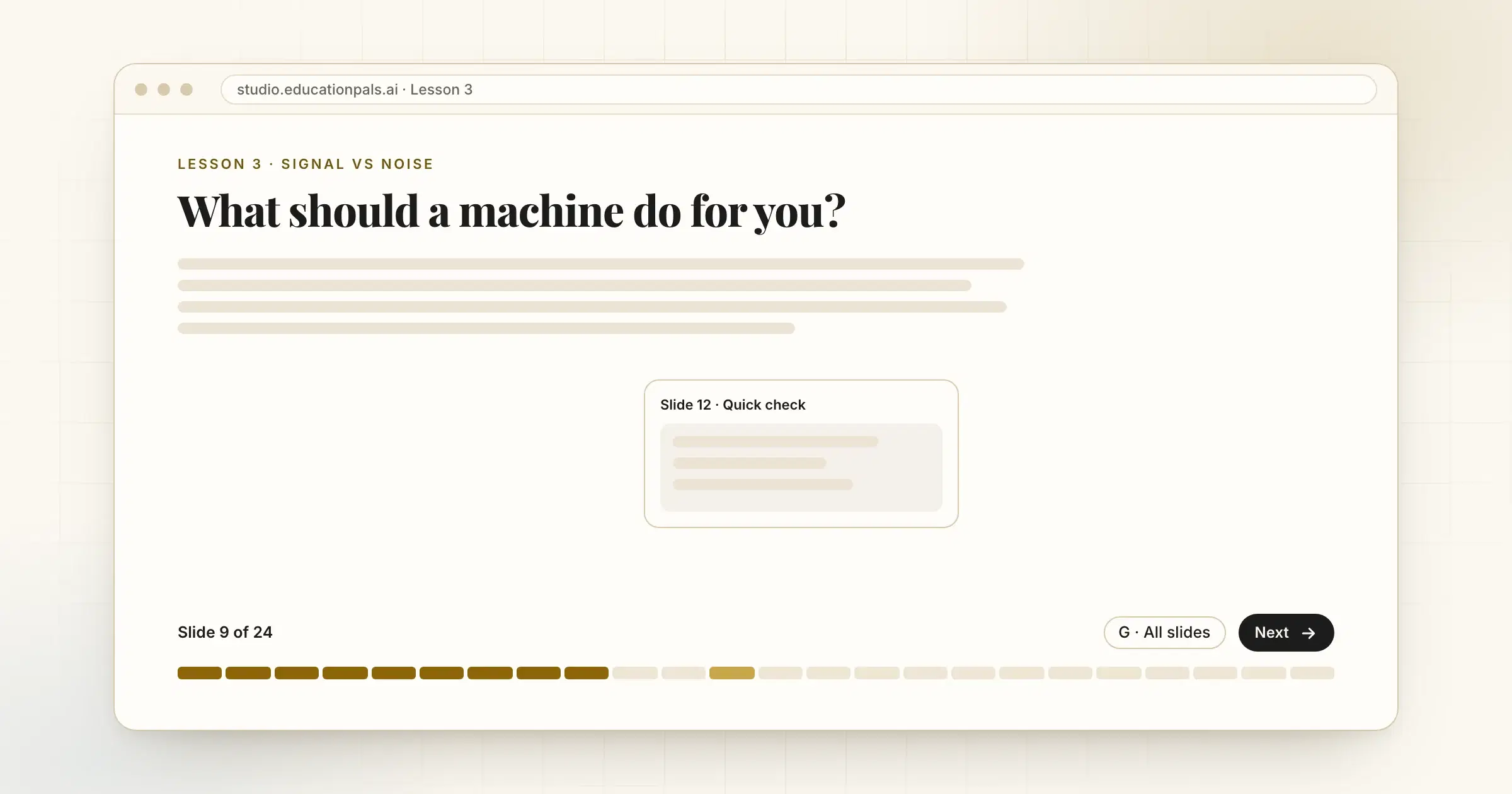
Long lessons need a map.
Each lesson now has a progress bar along the bottom. It shows Slide 9 of 24, previews a slide when you hover over the bar, and takes you there when you tap.
Want the list instead? Press G for a menu of every slide by name. The last slide also marks the lesson complete properly now, so finishing counts.
इसे कैसे आज़माएँ
- Open a lessonThe bar sits under the slide.
- Hover or tapPreview a slide, then jump to it.
- Press GFor the list of every slide.